WhatsHotAI
AI tools for families. Each card shows age band, supervision level, pricing, and platforms. Open a tool for step-by-step usage, screenshots, and more detail below the fold.
-

Retro 1980s video from your photo
Turn a single photo into a cinematic 1980s ‘hero walk’ reel. The trick: ask ChatGPT to write a rich, movie-style prompt, then paste it into Google Gemini with your photo and let Veo animate it. No editing skills needed—just a good prompt and a few minutes of waiting.
Platform: Web · Mobile
View details → -
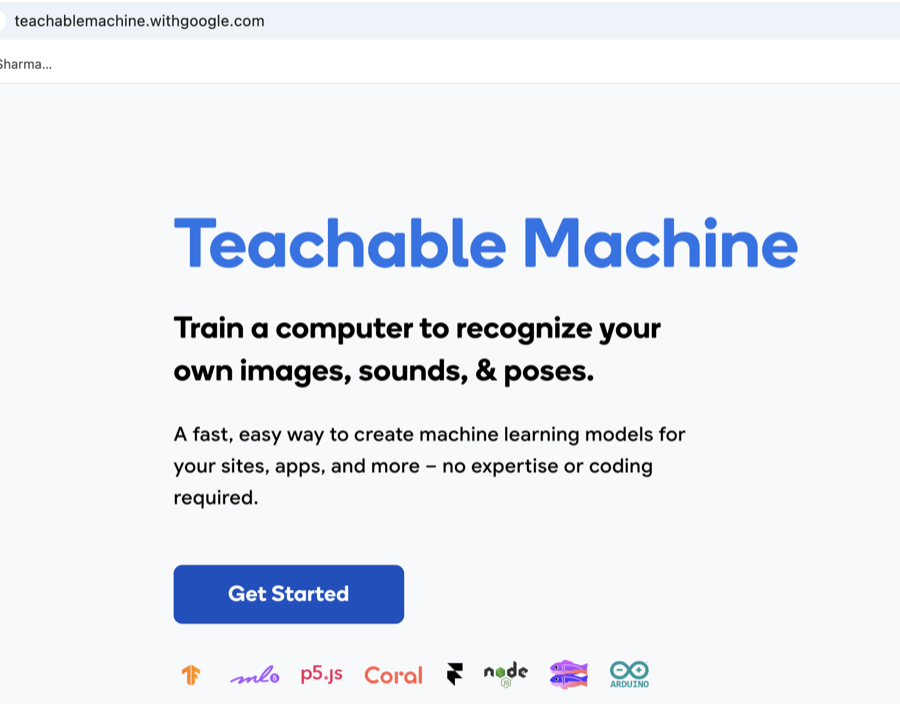
Teachable Machine
Google’s free, no-code tool to train your own AI model in the browser. Show it a few webcam photos of two feelings—Happy and Angry—and watch it learn to tell them apart in real time. A hands-on intro to how machine learning actually works.
Platform: Web · Desktop · Tablet
View details → -
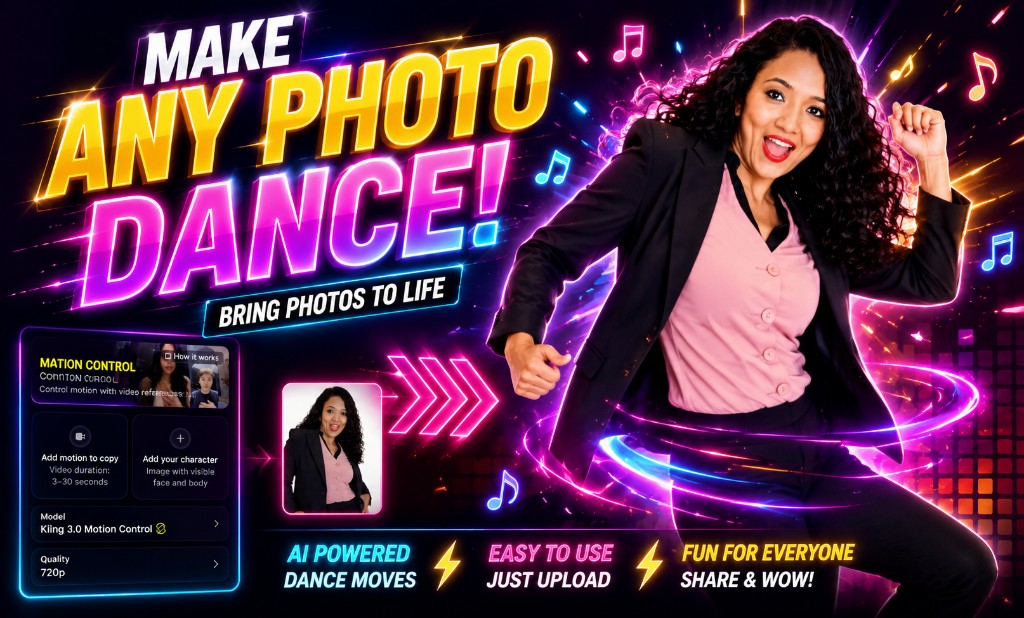
Make any image dance (Higgsfield Motion Control)
On Higgsfield, copy motion from any dance video and apply it to a still photo: Video → Motion Control → Motion library, add a motion clip and your character image, pick Kling 3.0 Motion Control, and generate—a parent-run paid account required.
Platform: Web
View details → -
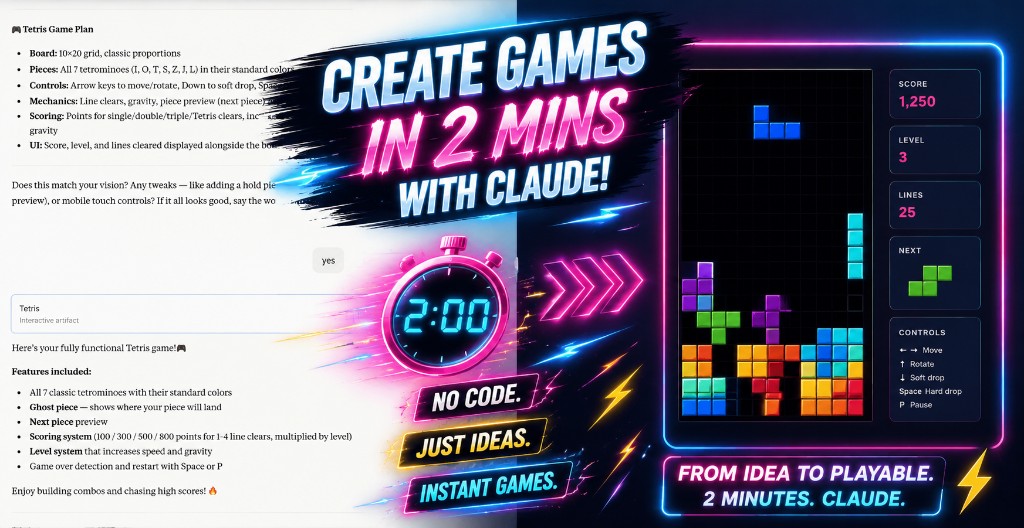
Create games with Claude Artifacts
★Open Claude Artifacts, pick Games, describe any game idea, and in about a minute get a playable browser game—Tetris, tic-tac-toe, quizzes, and more—right in the chat panel.
Platform: Web
View details → -
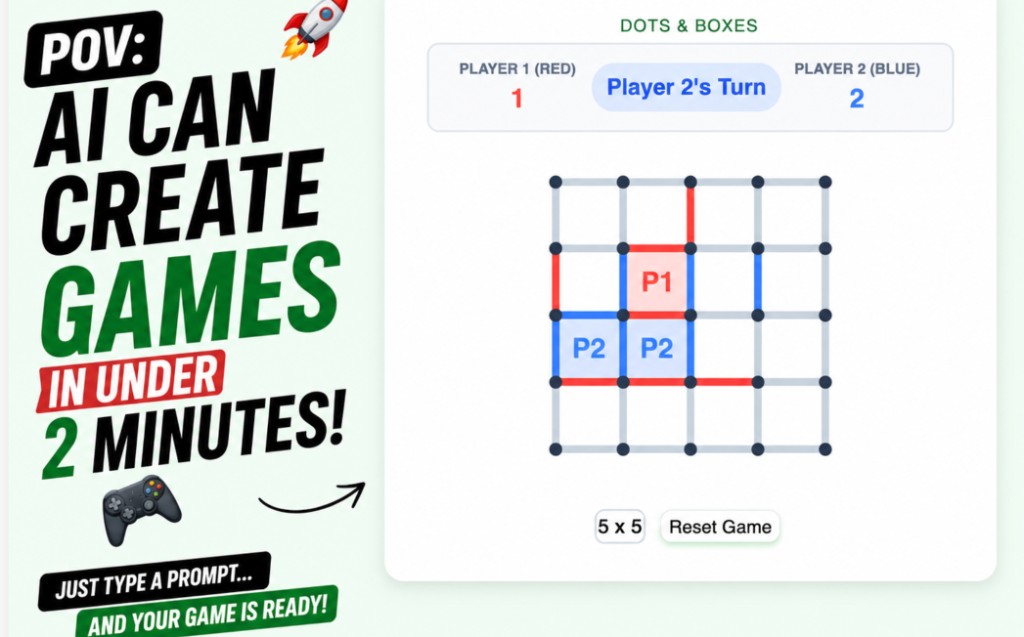
Create games with Gemini Canvas
Describe any simple browser game in Gemini, open Canvas from the + menu, and wait a few minutes for HTML/CSS/JS you can play in Preview—great for learning how games are coded.
Platform: Web
View details → -
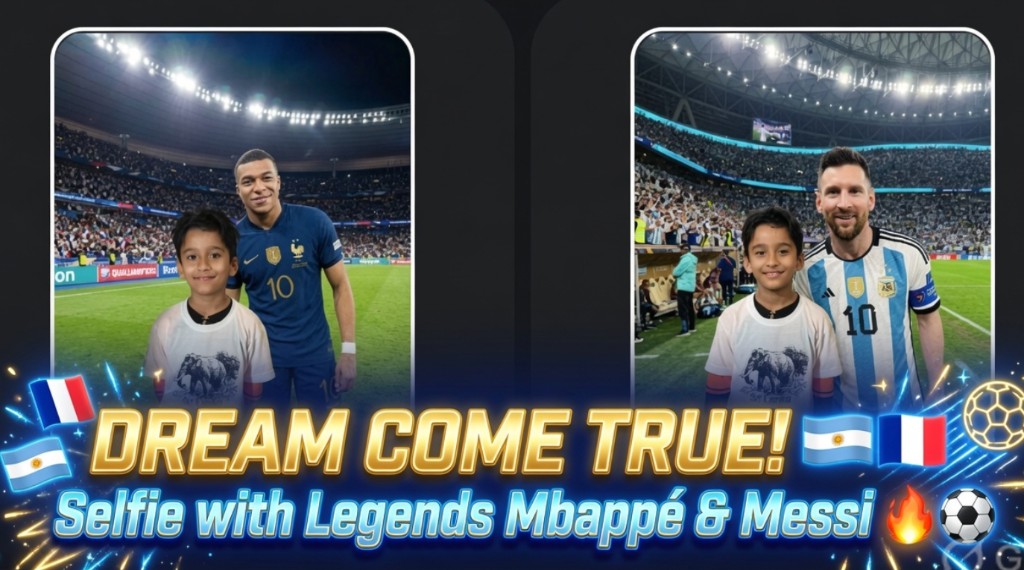
Football celebrity selfie video (family project)
Paid Higgsfield project: generate selfie stills with football stars using Image → Nano Banana 2, then chain clips in Video → Kling with first/last frame + motion prompt; stitch in CapCut or Edits.
Platform: Web · Mobile
View details → -
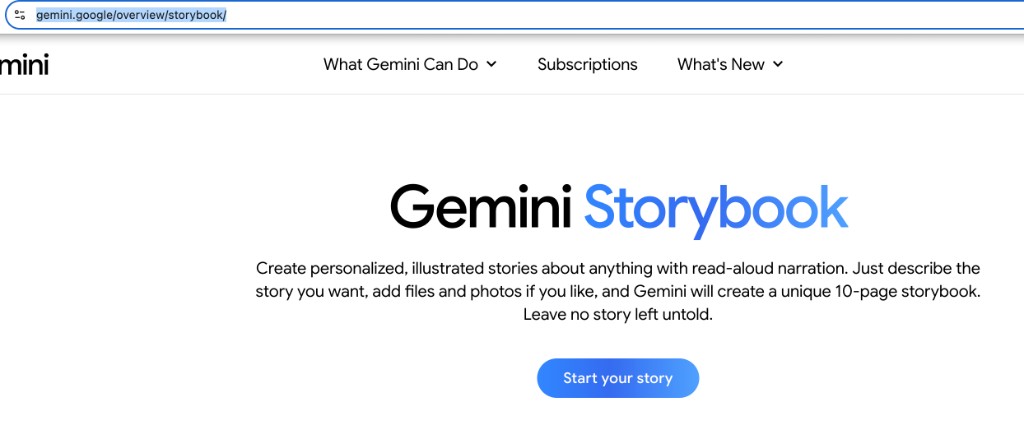
Gemini Storybook
★Google’s free Storybook in Gemini: describe a story (or tap a sample prompt), and in a minute or two get a unique 10-page illustrated book with read-aloud narration—best with a parent’s Google account.
Platform: Web · Mobile · Tablet
View details → -

Cricket hero selfie video (family project)
Not free: you’ll need a paid Higgsfield plan (Basic is often about $5/mo to start—confirm on their site). For each cricketer, use Image → Create Image and pick Nano Bro or Nano Banana Pro in the model list, then Video → Create Video with Kling, two references + motion prompt per clip; download clips and stitch in CapCut or Edits.
Platform: Web
View details → -
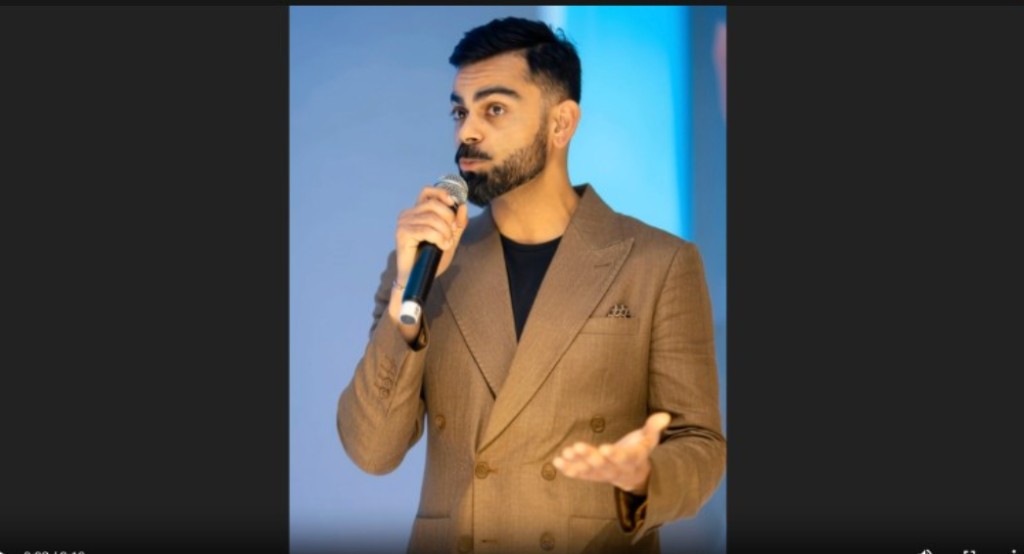
Higgsfield Lipsync Studio
On Higgsfield (a paid service), turn a still portrait into a short clip where the face lip-syncs your words: pick a plan such as Basic (~$5/mo to try), then Video → Lipsync Studio, upload, add Audio Text, choose Kling 2.6 Lipsync, and generate—with a parent-run account and a photo everyone agrees to use.
Platform: Web
View details → -
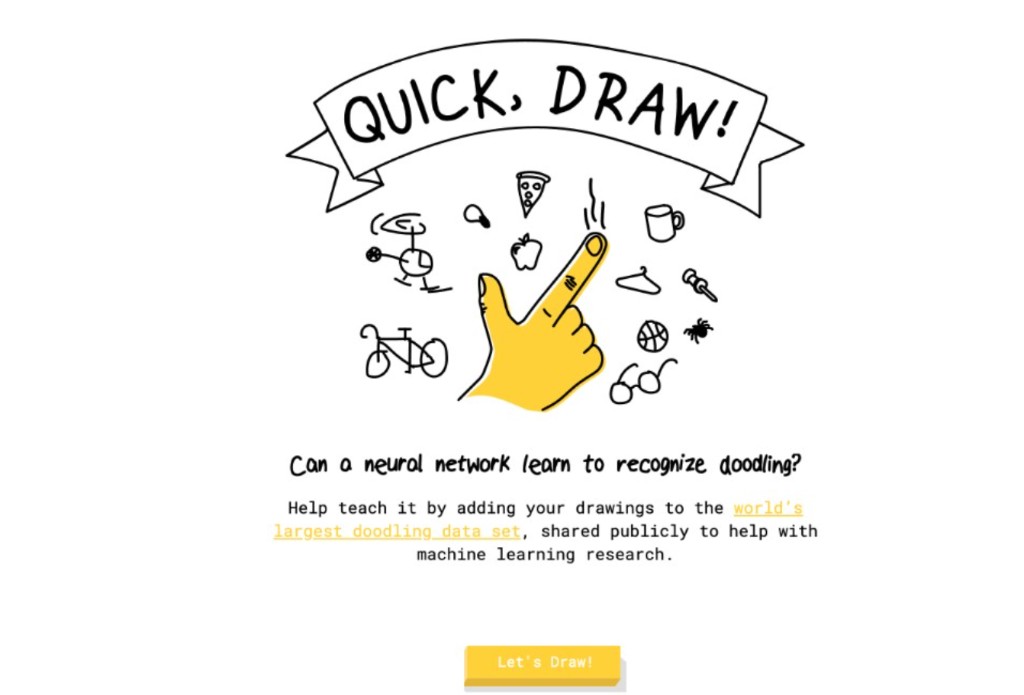
Quick, Draw!
★Google’s free drawing game: sketch a prompted object in 20 seconds while a neural network tries to guess what it is—instant, low-pressure intro to how AI spots patterns.
Platform: Web · Tablet
View details → -
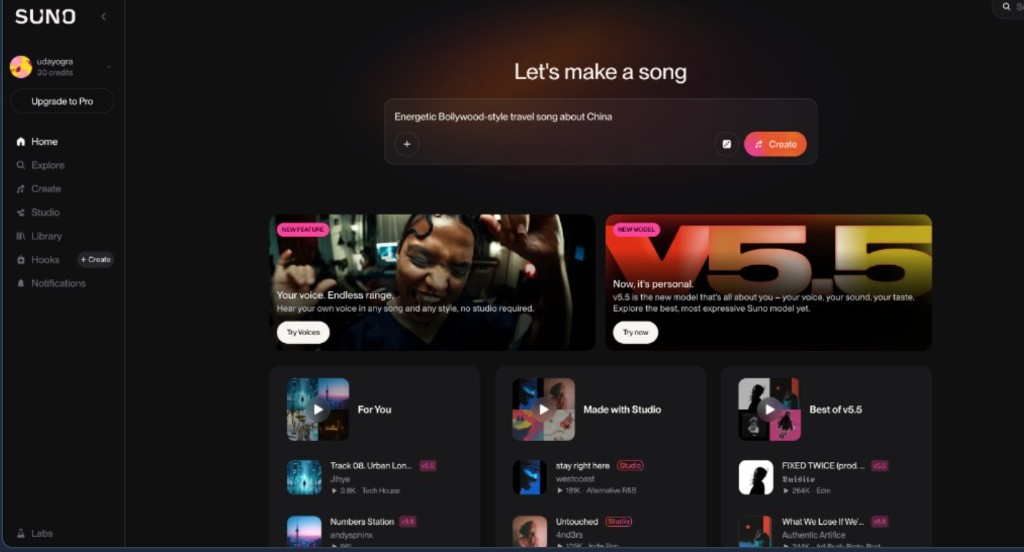
Suno AI
★Turn short text ideas into full songs with vocals and backing tracks—great for exploring songwriting as a family.
Platform: Web · iOS · Android
View details →